Explore the latest seedance 2.5 workflow on Buzzy to create longer, more consistent AI video scenes with guided creative control.
SEEDANCE 2.5
Seedance 2.5 Viral Pack
Twelve ready-to-run workflows. Pick one, swap the references, and generate a connected 30-second clip.
KLING 4.0
UNLIMITED ACCESS
The most advanced video model. Available on presale.
COMMUNITY
Community Pro Videos
Built by creators, open to remix. Every project keeps its workflow so you can see exactly how it was made.
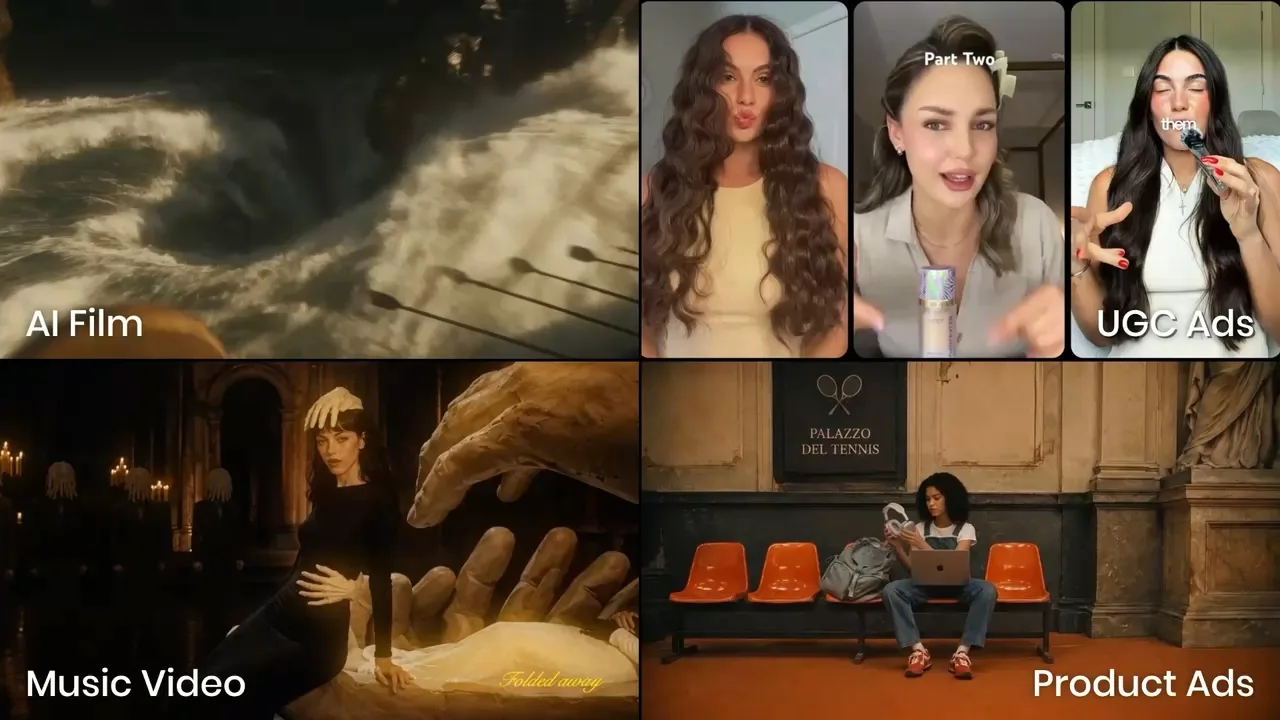
REIMAGINE VIDEO CREATION
One project, every creative decision
Buzzy treats a video as a project you can revisit — not a one-off prompt.
Creative Agent
Describe the outcome. The agent plans the brief, references, storyboard and shot list on an infinite canvas.
AI Storyboard
Map a 3×3 multi-camera storyboard before generating, so every scene has a narrative job.
Relight & Multi-Angle
Rewrite light direction and camera angle on an existing shot without losing the subject or wardrobe.
Omni Reference
Attach up to 50 reference assets and mention them with @ to lock character, product and environment.
17 models, one pool
Switch engines per shot across 12 video and 5 image models — all billed from the same credit pool.
Skills & community
Start from a proven workflow, or clone someone else's with Recreate This.
HOW IT WORKS
From one sentence to a connected film
STEP 01
Start with a brief
Write the story beat, add a skill, and drop in character, product and scene references.
STEP 02
Plan the shots
Creative Agent or AI Storyboard maps a 3×3 shot grid; pick a model per shot.
STEP 03
Generate & refine
Press Generate, then change one decision at a time with chat editing and Director tools.
The difference is the data model: Project → Shot → Asset → shot_versions. Because every version is appended rather than overwritten, you can re-run a single shot weeks later without rebuilding the film.
READY TO CREATE?
Start with one sentence. Finish with a film.
Join thousands of creators building connected video projects on Buzzy.